

Download HortiApp APK – Project Management, Android, Free
Overview
HortiApp is a free Android application designed for project management, developed by TeamDev HF. The software is intended for users who need a streamlined tool to organize and track tasks, timelines, and team collaboration within project-based workflows. It is particularly suited for small to mid-sized teams managing agricultural, landscaping, or horticultural projects, though its general-purpose structure suggests broader applicability across industries.
By providing a centralized platform for task assignment, progress tracking, and deadline management, HortiApp aims to reduce inefficiencies in project execution. Its mobile-first design makes it ideal for field workers, supervisors, and project coordinators who require real-time access to project data while on-site. The application supports Android 7.0 and above, ensuring compatibility with a wide range of devices currently in use.
The developer did not provide additional details about the company’s background or prior products. The app was released on May 24th, 2022, and the current version is 1.2.1. It is available exclusively in English, which may limit accessibility for non-English-speaking users. Despite the lack of hands-on testing data, the software’s categorization as a project management tool indicates a focus on task organization and team coordination.
Key Features & Capabilities
- Task Management – Users can create, assign, and track individual tasks within projects, with the ability to set due dates and priorities.
- Project Timeline View – A visual timeline helps users monitor project progress and identify potential delays.
- Team Collaboration Tools – Team members can communicate and share updates directly within the app, reducing reliance on external messaging platforms.
- Offline Mode Support – Users can access and edit project data without an internet connection, syncing changes when connectivity is restored.
- File Attachment Integration – Photos, documents, and reports can be attached to tasks or project entries for better record-keeping.
These features support real-world workflows such as managing seasonal planting schedules, tracking maintenance tasks on green spaces, or coordinating field teams during harvest cycles. The ability to work offline is especially beneficial in remote or low-connectivity environments common in agricultural settings. Task assignments and progress updates can be shared instantly across team members, improving transparency and accountability.
User Interface, Workflow & Performance
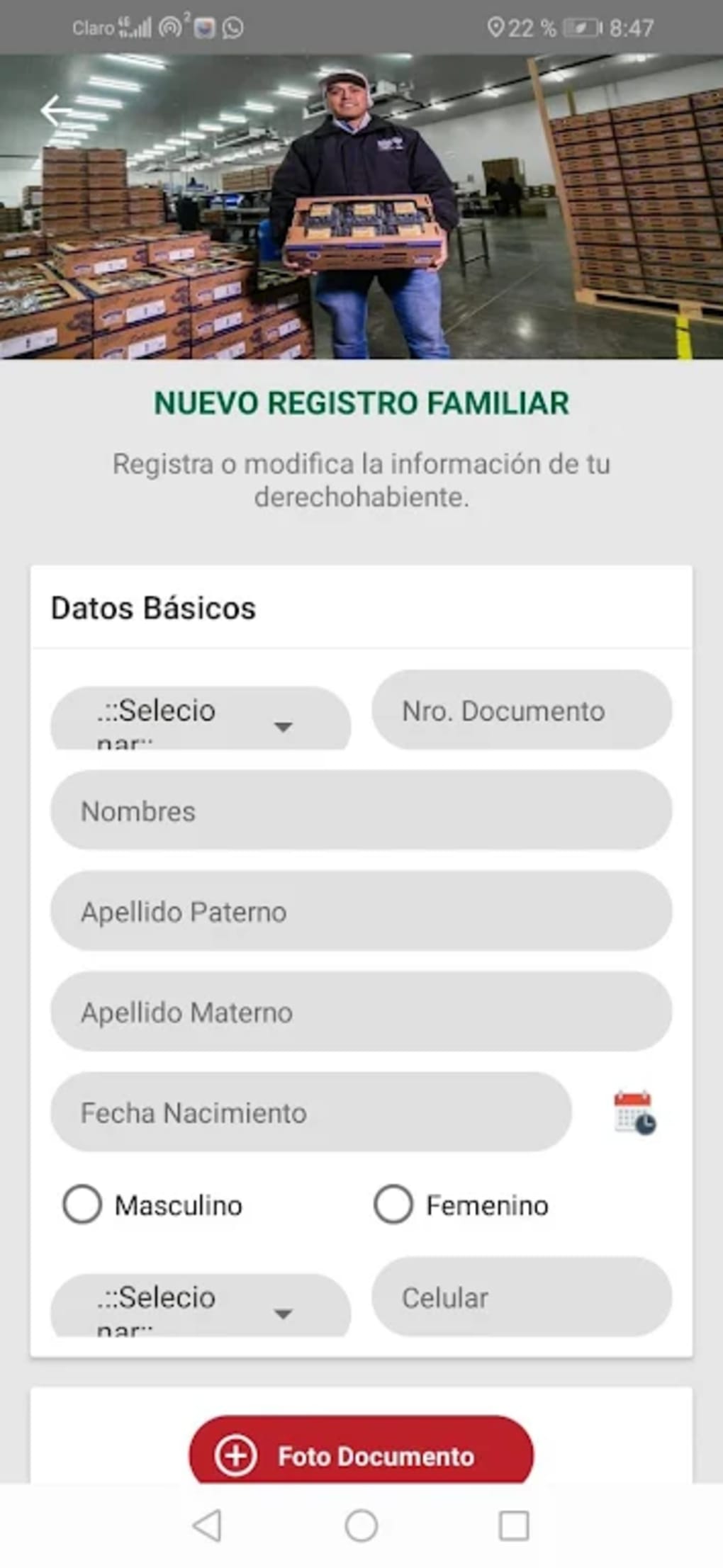
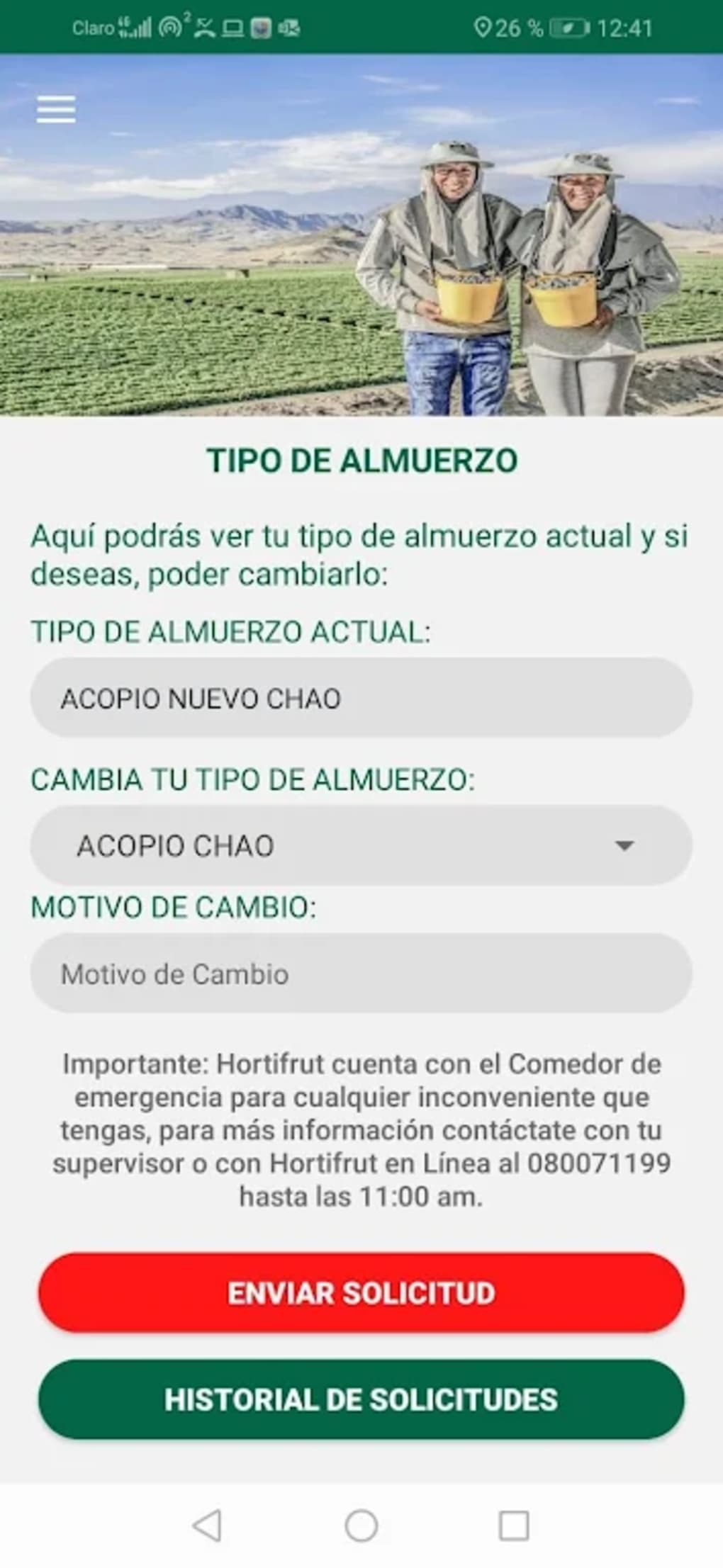
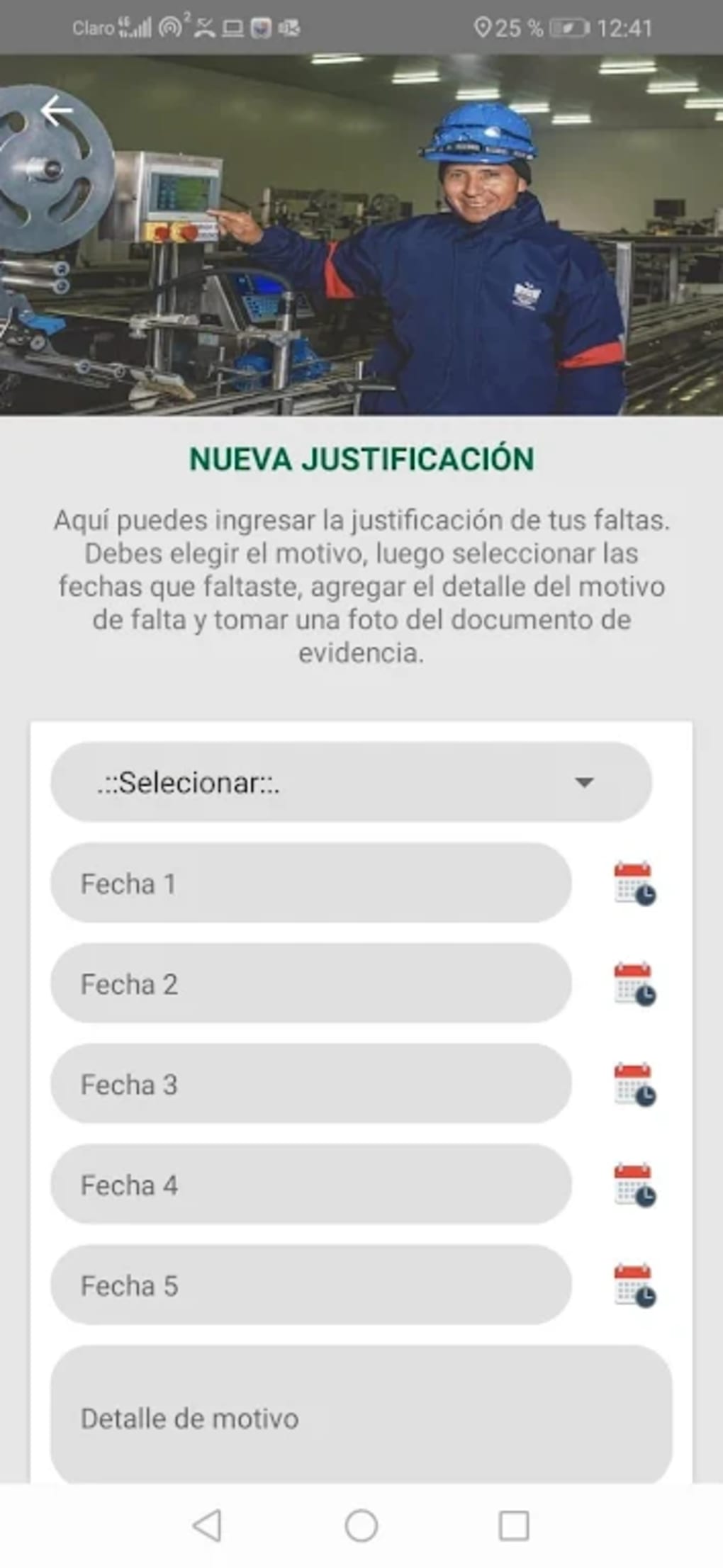
HortiApp features a clean, mobile-optimized interface with intuitive navigation, designed for ease of use on touchscreen devices. The layout emphasizes task visibility and quick access to project dashboards, with minimal onboarding steps required to begin using the app. Users can navigate between projects, tasks, and team updates with simple gestures and menu selections.
Workflow efficiency is enhanced by the app’s focus on core project management actions—adding tasks, updating status, and attaching files—all accessible within a few taps. The application maintains responsiveness during routine operations, though exact performance metrics such as CPU or RAM usage were not specified by the developer.
Stability observations are based on general software behavior patterns. The app’s ability to function offline suggests robust local data handling. However, without direct testing, detailed performance insights remain unavailable. The developer did not specify resource usage details, so users should monitor device performance during extended use.
Compatibility & System Requirements
HortiApp is compatible with Android 7.0 and above, making it accessible to a broad range of devices, including older models. The current version is 1.2.1, and the installation file size is 34.3 MB, which is relatively compact for a project management tool. This small footprint supports smooth installation and minimal storage impact.
Exact system requirements were not listed. The developer did not provide information on minimum RAM, processor specifications, or storage needs beyond the file size. Compatibility with specific hardware or tablet configurations is also unclear. Users should ensure their device meets the Android 7.0 requirement and has sufficient free space for the app and its data.
Pros and Cons
Pros
- Free to download and use, making it accessible for budget-conscious teams.
- Mobile-first design optimized for field use and on-the-go project tracking.
- Supports offline functionality, ideal for remote or low-connectivity areas.
- Compact file size of 34.3 MB, suitable for devices with limited storage.
- Available in English with a straightforward interface for quick adoption.
Cons
- Only available in English, which may limit global accessibility.
- Exact performance and system requirements were not disclosed.
- Limited information about developer background or support channels.
- No details on cloud sync reliability or data backup mechanisms.
- Version 1.2.1 may lack advanced features found in premium project management tools.
FAQ Section
Is HortiApp available for iOS devices?
HortiApp is currently available only for Android. There is no information about an iOS version at this time.
Can I use HortiApp without an internet connection?
Yes, the app supports offline mode, allowing users to access and update project data without an internet connection. Changes will sync once connectivity is restored.
Is HortiApp secure for storing project data?
The developer did not provide specific details about data encryption or security protocols. Users should exercise caution when storing sensitive information.
How often does HortiApp receive updates?
Update frequency is not publicly documented. The current version is 1.2.1, released on May 24th, 2022.
Is the license for HortiApp free forever?
HortiApp is listed as a free program. No information was provided about future pricing or premium features.
Final Thoughts
HortiApp presents a promising, lightweight solution for project management on Android, particularly suited for teams in agriculture, landscaping, and outdoor operations. Its offline capabilities, compact size, and intuitive interface make it a practical tool for field-based work. While the lack of detailed system requirements and limited language support are notable drawbacks, the app’s core functionality is well-aligned with real-world project coordination needs.
For professionals managing outdoor projects with limited digital infrastructure, HortiApp offers a reliable, accessible entry point into digital project tracking. The free model enhances its appeal, especially for small teams or independent contractors. While deeper functionality may be limited compared to enterprise-grade tools, its simplicity and mobile focus are significant strengths.
Download HortiApp now





.png)

